🐦 Perch
A beautiful terminal social client
for Mastodon & Bluesky
Read, post, and engage across social networks — all from your terminal with a gorgeous TUI.
brew install ricardodantas/tap/perch cargo install perch 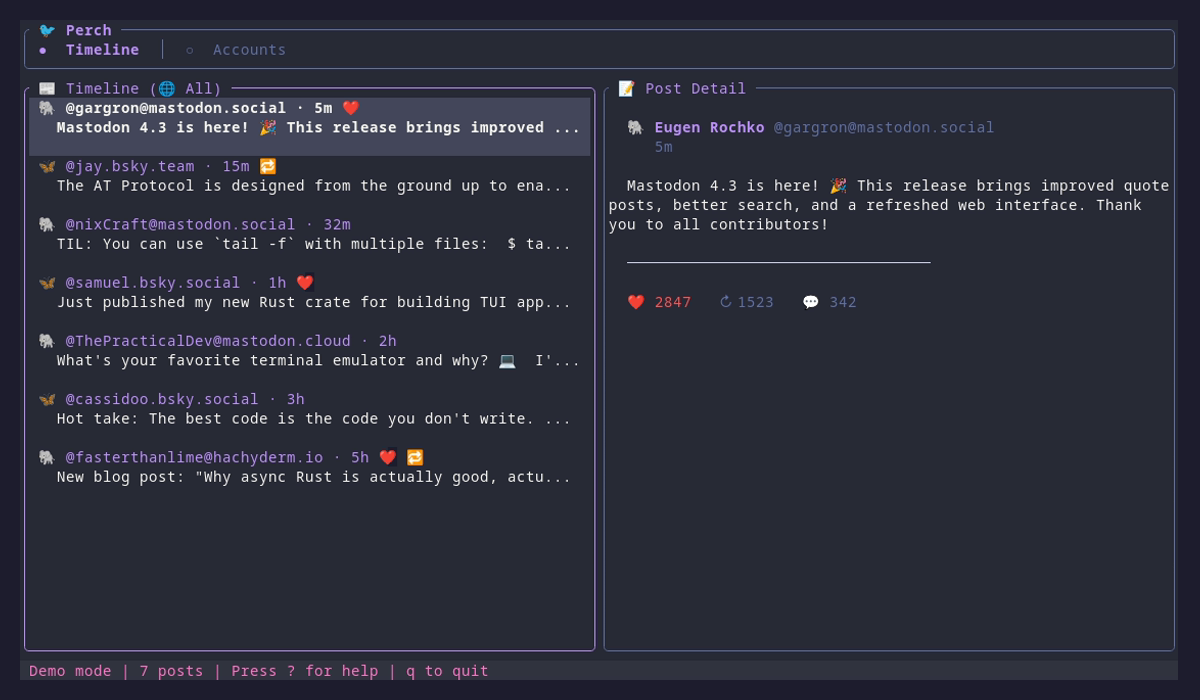
Features
Mastodon Integration
Full OAuth authentication with any instance. Browse timelines, post, reply, like, and boost.
Bluesky Support
AT Protocol support with app passwords. Stay connected to the decentralized social web.
Cross-Posting
Write once, post to multiple networks simultaneously. Perfect for maintaining presence everywhere.
Scheduled Posts
Queue posts for the perfect time. Schedule from CLI or TUI with flexible time formats like "in 2h" or "tomorrow 9am".
Vim Keybindings
Navigate like a pro with familiar j/k navigation, tab switching, and powerful shortcuts.
Secure Storage
Credentials stored safely in your system keyring. Never worry about plaintext tokens.
Connect Your Networks
🐘 Mastodon
Connect to any Mastodon instance with full OAuth support.
perch auth mastodon mastodon.social 🦋 Bluesky
Use an app password to connect your Bluesky account securely.
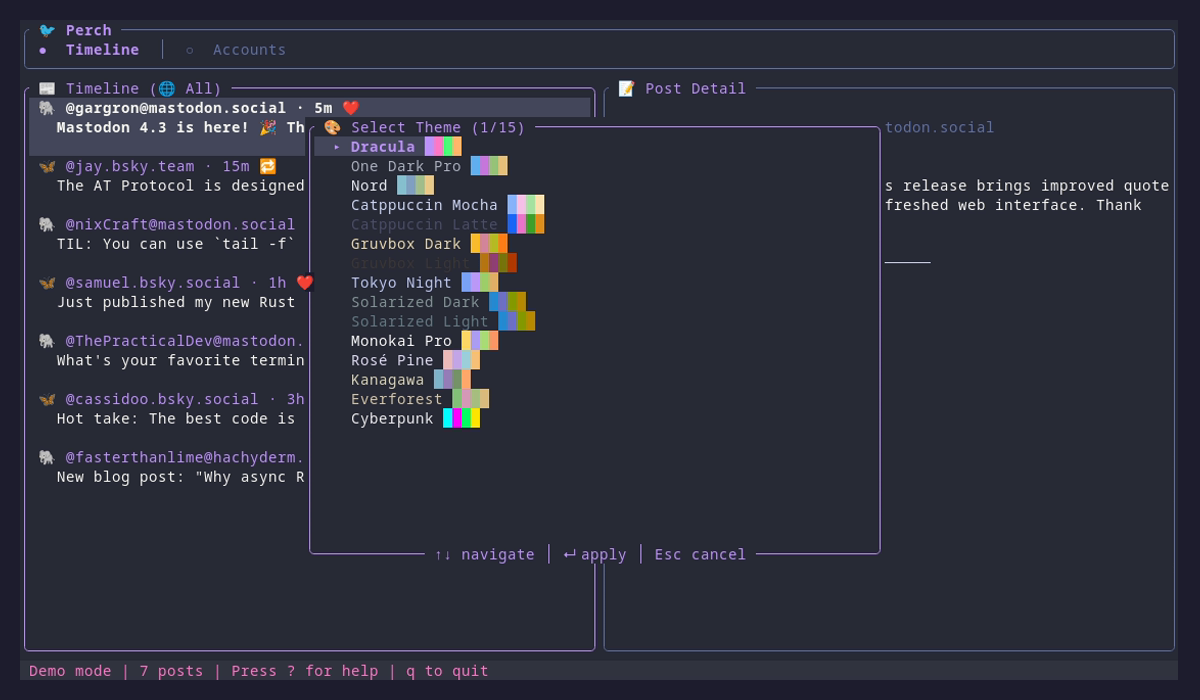
perch auth bluesky 15 Beautiful Themes
Customize your experience with gorgeous color schemes including Dracula, Nord, Tokyo Night, and more.
Quick Start
Install
brew install ricardodantas/tap/perch or cargo install perch
Add an Account
perch auth mastodon mastodon.social or perch auth bluesky
Launch
perch Powerful CLI
Script your social media with comprehensive commands. Automate posts, fetch timelines, manage accounts.
Post to all networks
perch post "Hello world!"Post to specific network
perch post "Hello Fediverse!" --to mastodonView your timeline
perch timelineList accounts
perch accounts