🎨 Themes
Perch comes with 15 beautiful color schemes to match your style.
Press t in the TUI to open the theme picker.
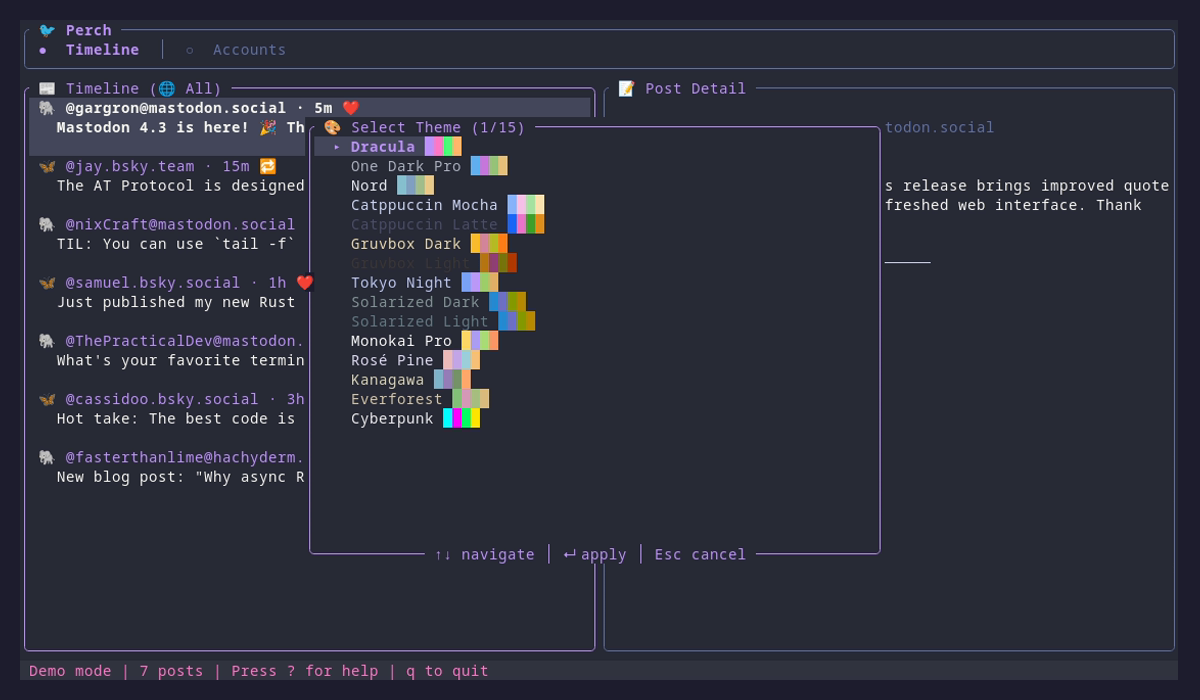
Dracula Default
A dark theme for vampires
One Dark Pro
Atom's iconic dark theme
Nord
An arctic, north-bluish color palette
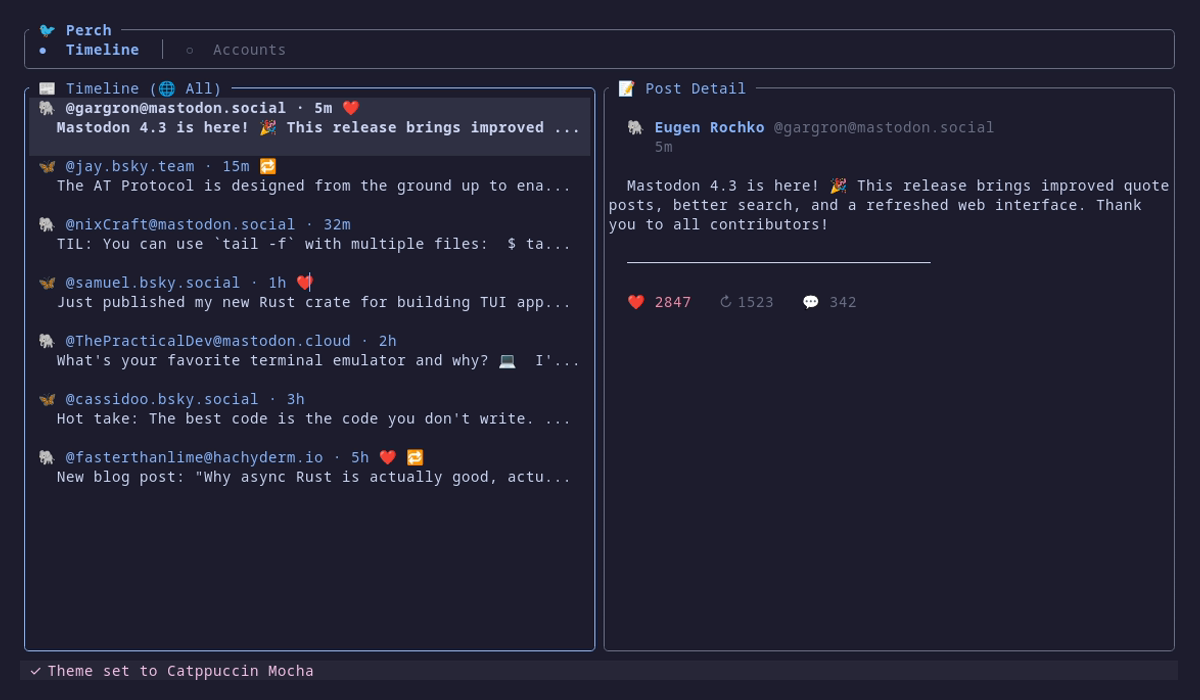
Catppuccin Mocha
Soothing pastel theme for the high-spirited
Catppuccin Latte
Warm pastel light theme
Gruvbox Dark
Retro groove color scheme
Gruvbox Light
Retro groove, light variant
Tokyo Night
A clean, dark theme inspired by Tokyo nights
Solarized Dark
Precision colors for machines and people
Solarized Light
Precision colors, light variant
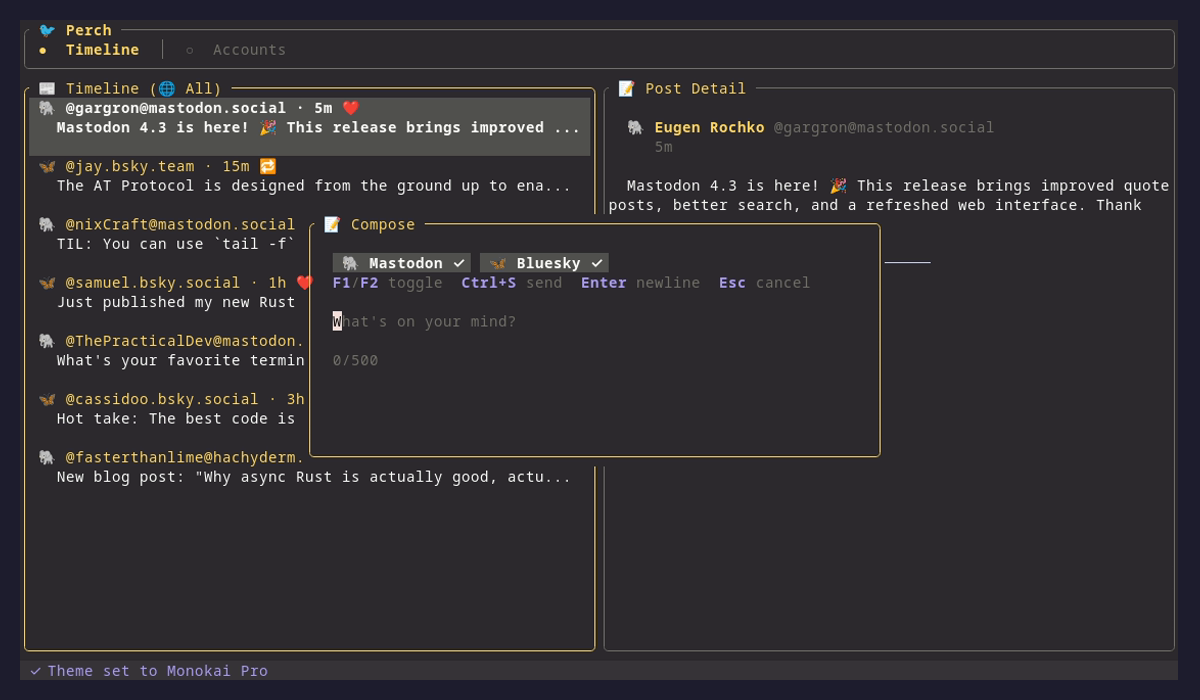
Monokai Pro
Classic Sublime Text colors
Rosé Pine
All natural pine, faux fur and a bit of soho vibes
Kanagawa
Inspired by the colors of the famous wave painting
Everforest
Comfortable and pleasant green forest theme
Cyberpunk
Neon-soaked night city aesthetic
Screenshots
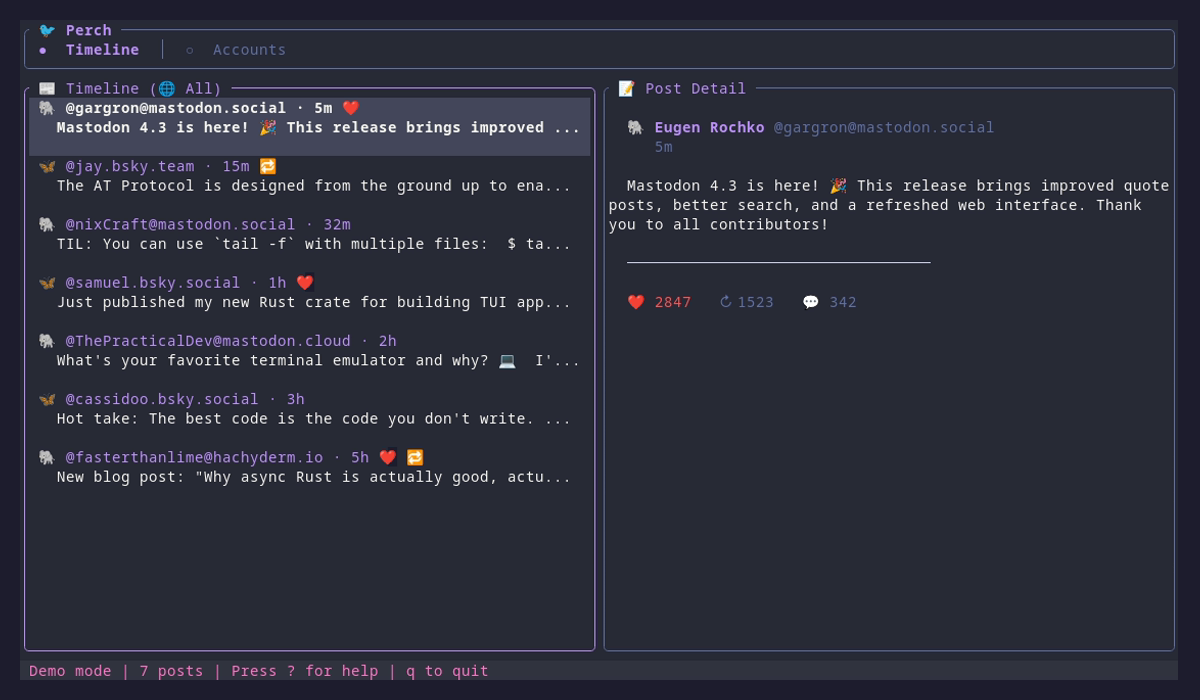
See Perch in action with different themes:
Setting a Theme
There are two ways to set your theme:
1. Interactive Theme Picker
Press t while in the TUI to open the theme picker. Use ↑/↓ to navigate and Enter to apply.
2. Configuration File
Set your preferred theme in ~/.config/perch/config.toml:
theme = "dracula"Available Theme Names
dracula
one-dark-pro
nord
catppuccin-mocha
catppuccin-latte
gruvbox-dark
gruvbox-light
tokyo-night
solarized-dark
solarized-light
monokai-pro
rose-pine
kanagawa
everforest
cyberpunk